

Organisation Structure
Organisation Structure
The Organisation dashboard is where you structure and manage how your business is represented, giving you a clear view of how everything connects. It allows you to organise your company structure, and stakeholders, helping you keep your organisational data accurate and well-aligned. By using this function, you can improve collaboration, manage sustainability data more effectively, and gain better insights across your organisation.
- To access this information, Click on the Organisations Tab.
- Under “Organisation Structure”, Click on “View more”.
- View Organisational Structure.
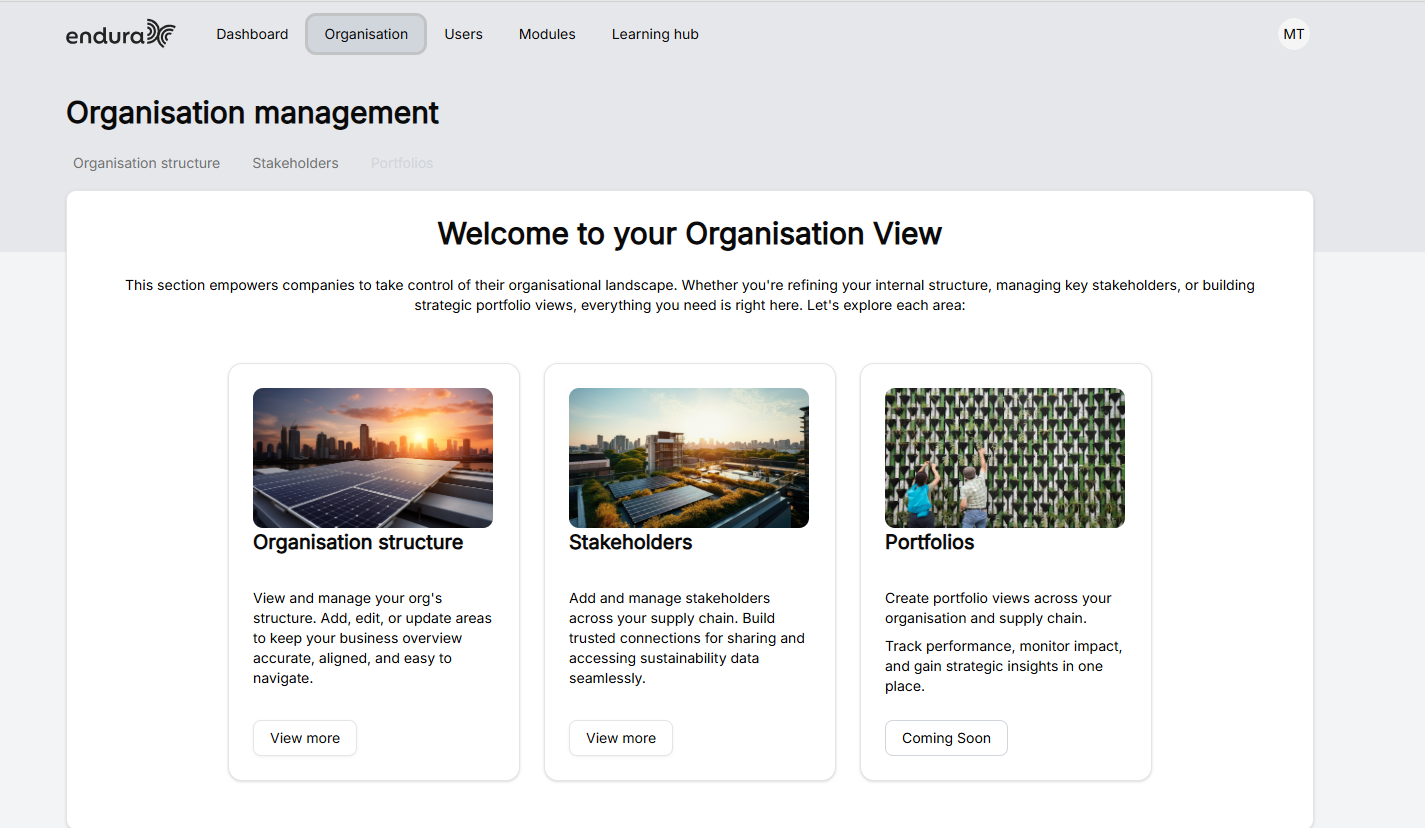
Organisation Structure
This feature allows you to visually build and manage your company’s hierarchy by adding and connecting different entities such as business units or legal entities. You can easily add companies, link them, and organise them into a clear structure, while using filters (like country or industry) to group and navigate your data. This helps you maintain a structured, easy-to-understand view of your organisation, making it simpler to manage and update as your business evolves.
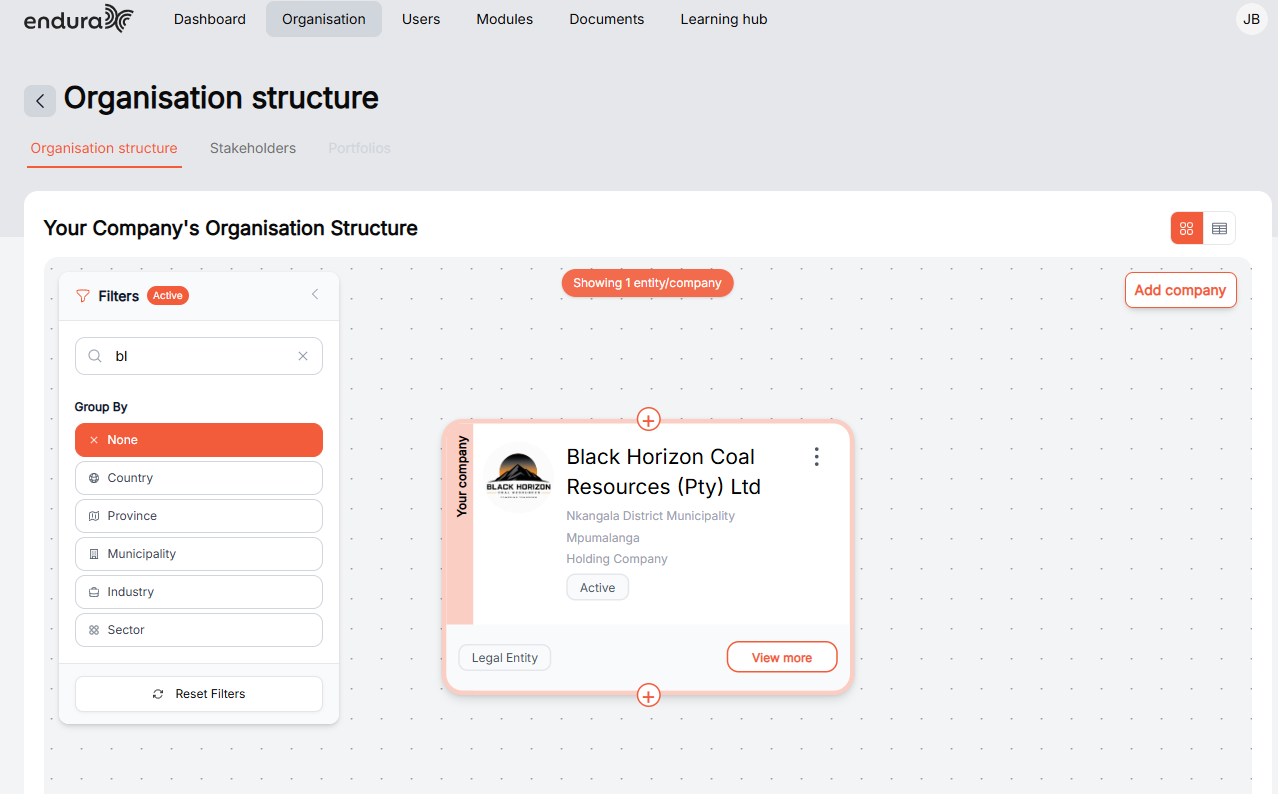
- To search for your entity. Type your organisations name.
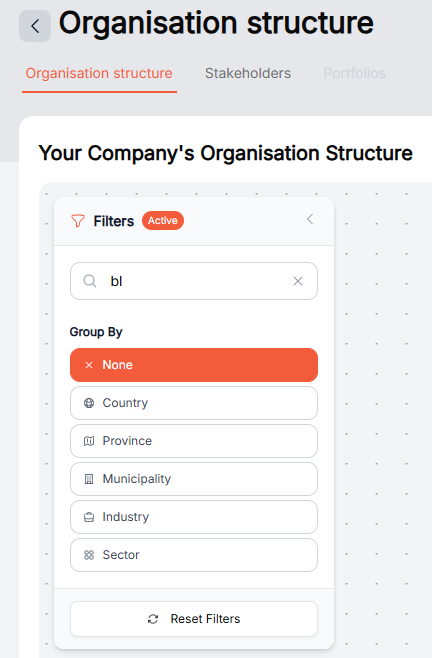
Filters
- None: for no filter.
- Country: To Filter by your organisations Country.
- Province: To filter by your organisations Province.
- Municipality: To Filter by your organisations Municipality.
- Industry: To Filter by the Industry your organisation operates in.
- Sector: To Filter by the Organisations Sector.
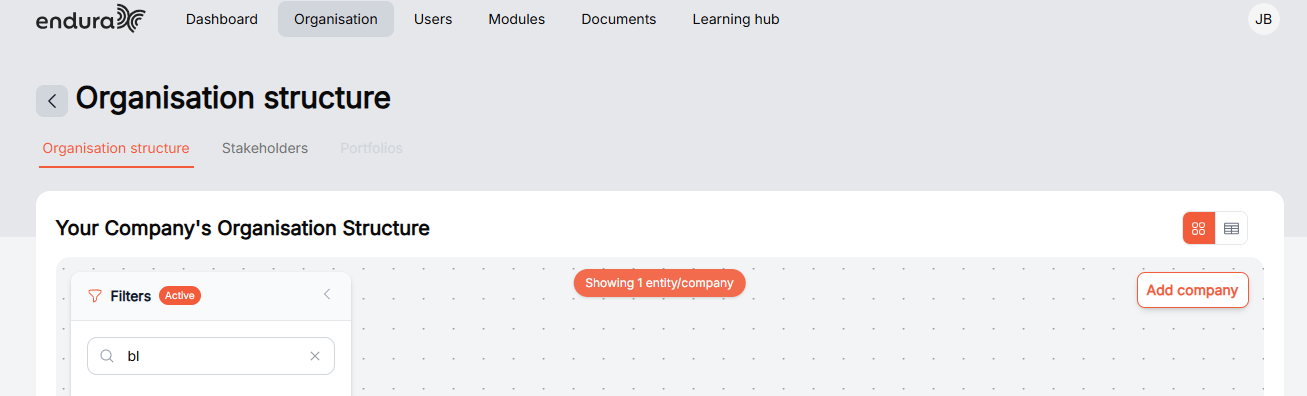
Icons
- To Add a company to the organisation structure, click on “add company”.
- Then on the new pop-up screen click on the drop-down under entity Type.
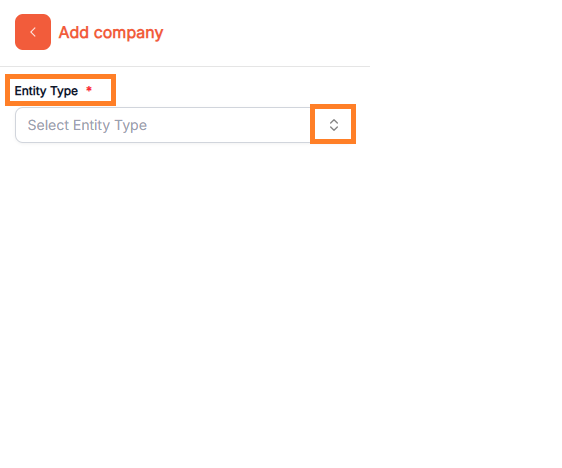
- Select the relevant entity type under the organisation structure.
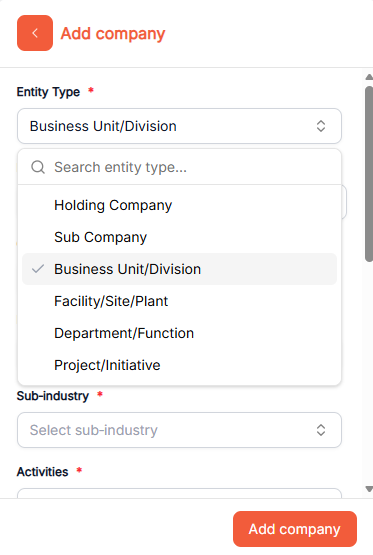
- Enter entity details, including name, industry, sub-industry, activities, location (country, province, municipality), and selecting a reporting period for accurate structuring and reporting.
- When you’ve entered your company details, click on add company.
- For more information on how to add a company, invite a company to join the Endura platform, and delete a company. Click on this icon.
Video Guide
FREQUENTLY ASKED QUESTIONS
- I created an entity, but I can’t see it in my structure view.
Resolution:
- Refresh the page.
- Check active filters (left panel): Ensure “All” is selected.
- Use the Search bar to find the entity.
- Check parent entity: It may be nested under another group.
- Expand hierarchy view.
- If still missing: Log out and log back in.
- I accidentally created the same entity twice.
Resolution
- Search entity name using search bar.
- Identify duplicates.
- Open each entity.
- Confirm correct one.
- Delete duplicate entity.
- Save structure.
- Confirm only one remains.
- Can Ownership Percentages Be Changed for Business Units?
Resolution
- Ownership percentages default to 100% and are not configurable at this level of the organisational structure.
Stakeholders
The Stakeholders function in Endura allows you to add, manage, and track the organisations or entities you work with by inviting them to connect with your business on the platform. You can view approved and pending entities, send invitations by searching for organisations or using email, and assign relationship types, giving you clear control over your stakeholder network. This helps you build structured, trusted connections and makes it easier to collaborate and share sustainability information across your organisation and value chain.
Modules
Evaluate and improve your organization's climate resilience, climate reporting and sustainability goals.